Every World Cup does the same thing to me. Around the third or fourth match of the group stage, once I’ve watched enough stoppage-time drama to be fully useless for the rest of the day, I end up back on my couch queuing up soccer anime. It’s not a planned tradition. It just happens. One real match ends, and I want more of that same feeling, so I go looking for it in animated form.
This year it happened again, except this time I didn’t just rewatch old favorites. I fell down a research hole, found out how much is actually happening in soccer anime right now, and, for reasons I’ll get into later, ended up making some fan art of my own for the first time in my life.
Here’s what I’ve been watching, and how one thing led to the other.
The Soccer Anime I’d Recommend to Any Football Fan
Blue Lock
If you’ve heard people yelling about one soccer anime online in the last couple of years, it’s probably this one. Blue Lock takes the “teamwork makes the dream work” formula that most sports anime run on and throws it out entirely. The premise is that Japan keeps losing internationally because it doesn’t have a truly selfish, egotistical striker, so 300 of the country’s best young forwards get locked in an isolated facility and forced to fight each other for a single spot on the national team.
It’s intense in a way that’s hard to describe until you’ve seen it. The protagonist, Isagi, spends most of the early episodes being forced to unlearn everything “nice” about how he plays. The show is famous for its extreme close-ups on eyes at the exact moment a character has a breakthrough. It sounds silly written out, but on screen it’s genuinely gripping.
Worth knowing if you’re catching up now: Blue Lock Season 3, subtitled Neo Egoist League, is confirmed for October 2026, and it’s bringing in a new rival character, Michael Kaiser, who’s shaping up to be the most talked-about addition to the cast yet. There’s also a live-action film adaptation timed for release the same summer as this World Cup, so it’s a genuinely good moment to catch up if you haven’t already.
Captain Tsubasa
This is the one that started it all. Captain Tsubasa has been running in some form since 1981, and it’s one of those rare shows that didn’t just entertain fans. It’s widely credited with helping soccer’s popularity take off in Japan in the first place, and more than one real professional player has named it as a reason they picked up the sport.
The shooting techniques are wonderfully over the top, gravity-defying bicycle kicks, shots with actual named finishing moves, and the rivalry between Tsubasa and goalkeeper Genzo Wakabayashi is the emotional backbone of the whole series. It’s dated in places, but there’s a reason it’s still getting new games and spin-off content decades later, including a new “World Fighters” game landing this year with dozens of national teams featured.
Ao Ashi
If Blue Lock is the loud, maximalist pick, Ao Ashi is the quiet, tactical one, and it might be my personal favorite of the bunch. It follows Ashito Aoi, a raw, talented kid who gets recruited by a J-League youth academy and has to learn that individual skill means nothing without positional awareness and game sense. It’s a soccer anime for people who actually care about formations and off-ball movement.
The show earns its realism, fewer superhuman moments, more of the slow, frustrating process of actually getting better at something. That’s exactly why I’m excited that Season 2 is confirmed for October 2026, now under a new studio with a fresh director stepping in. It’s been years since the first season ended, so this is a genuinely big comeback for the series.
Giant Killing
This one’s a deeper cut, and I almost didn’t include it, but it deserves more attention than it gets. Giant Killing isn’t about a player chasing greatness, it’s about a manager. Tatsumi Takeshi returns to coach his old club, East Tokyo United, a team that’s been stuck at the bottom of the table for years, and the show is just as interested in locker-room politics and fan culture as it is in the matches themselves.
It only got one 26-episode season back in 2010, which feels criminal considering the manga is still running strong today. But if you like the “underdog club” side of football, the stuff that isn’t about a single star player, this is the most satisfying watch on this list.
Farewell, My Dear Cramer (Bonus Pick)
I’m adding this one because it doesn’t come up nearly enough in “best soccer anime” lists, and it should. It follows a group of girls, including standout Sumire Suo and her rival-turned-teammate Midori Soshizaki, trying to build a real competitive women’s soccer program at a high school that’s never taken the sport seriously. It’s also just a genuinely well-drawn, well-paced sports story, and it’s a good reminder that “soccer anime” doesn’t have to mean boys chasing a national team spot.
Why Soccer Anime Makes Me Want to Create Fan Art
Here’s the thing about watching this much soccer anime back to back: at some point, a specific frame just sticks with you. For me it was less about any one character and more about the moments, a goal celebration where the whole team piles on top of each other, the way floodlights turn a night match into something almost cinematic, a single freeze-frame right before a shot where a character’s whole personality is written on their face.
I started screenshotting scenes I liked. Then I started imagining variations of them, what if that celebration happened at night instead of during the day, what if that striker’s pose was mirrored, what if I designed my own version of that “final World Cup moment” instead of just rewatching someone else’s. That’s a very normal thing for anime fans to do; it’s just usually followed by “and then I found out I can’t draw,” which is exactly where I was stuck for years.
How I Turned That Inspiration Into Anime-Style Artwork
This is the part where I admit I have zero traditional art training. What actually got me making images instead of just imagining them was PixAI, an AI art platform built specifically around the anime-style generation.
My process ended up being pretty simple, and very trial-and-error:
- I picked an anime-leaning model instead of a general-purpose one, since I specifically wanted that sharp, cel-shaded sports-anime look rather than anything painterly or photoreal.
- I wrote my first prompt around one scene I kept picturing, not a specific existing character, just an original striker in a moment that felt like something out of the shows I’d been watching.
- I generated a handful of versions at once and compared them, the same way you’d flip through thumbnails, instead of committing to the first result.
- When a pose was close but not quite right, I used small variations to nudge it rather than rewriting the whole prompt from scratch.
- A couple of times I ran the same character concept through a different style setting just to see it rendered differently, one more cel-shaded and flat, one moodier with heavier shading.
None of this required any actual art skill on my end. It required knowing what scene I wanted, which turns out to be the same skill you already have if you’ve ever paused an anime to admire a shot.
Some Prompt Ideas That Worked Well
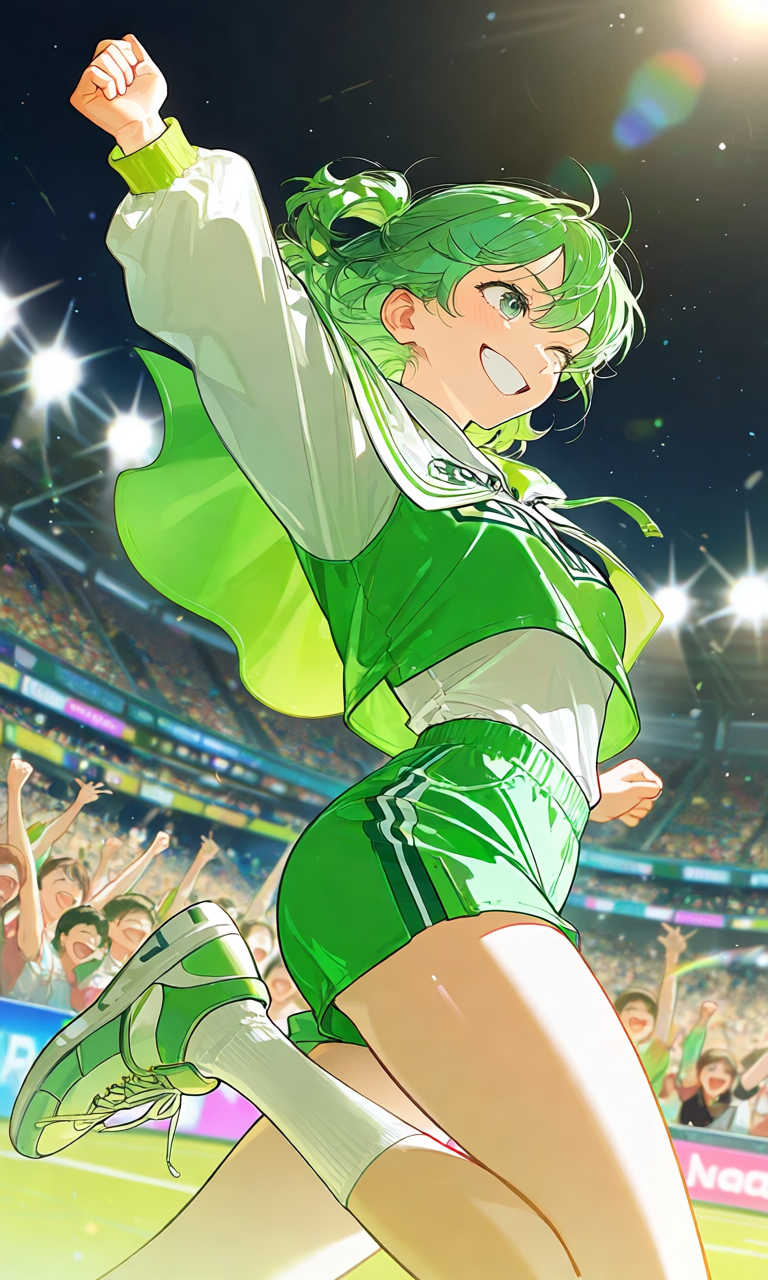
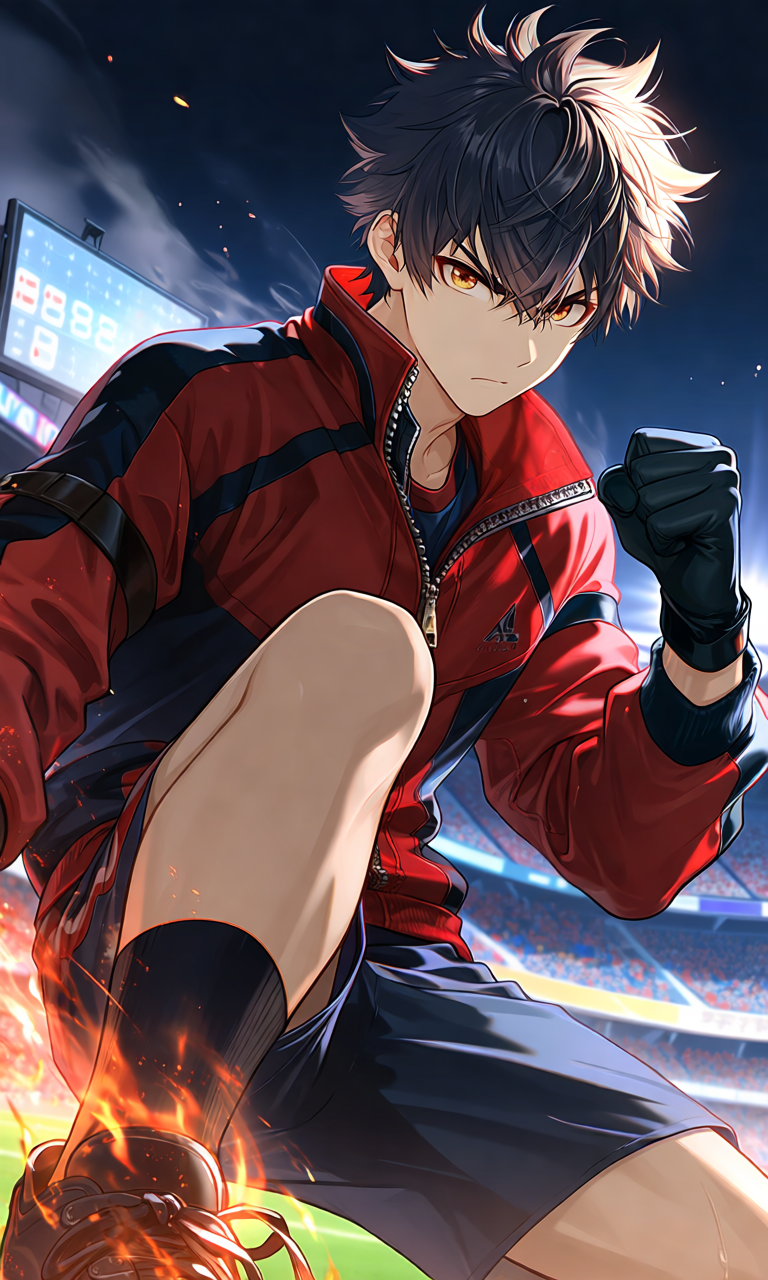
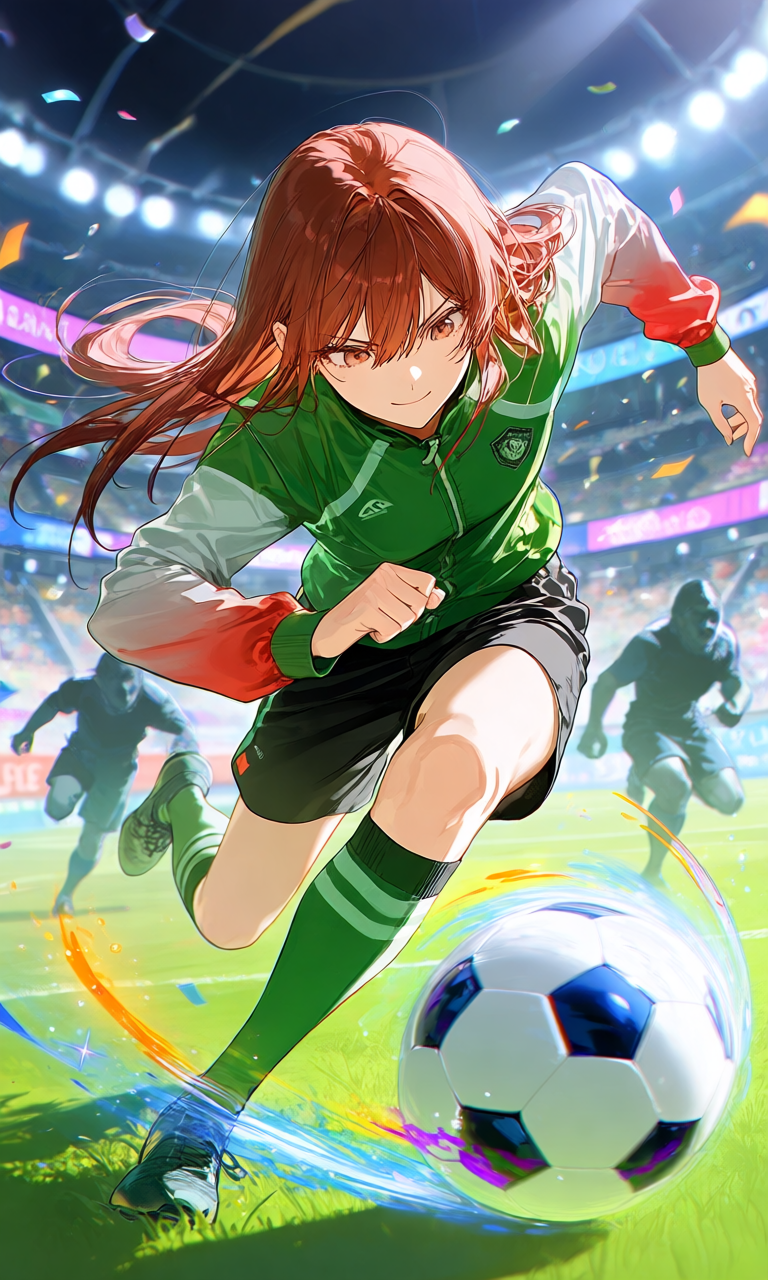
Rather than building toward one single character, I found myself putting together a small gallery of moments, different players, different scenes, each one built around a specific feeling I wanted to capture. Honestly, that fits how I actually experience these shows anyway: I don’t think of them as one character I follow start to finish, I think of them as a handful of scenes I can’t stop replaying in my head. Here’s how a few of those prompts came together, all original designs, not copies of any specific show’s character.
Dynamic striker action
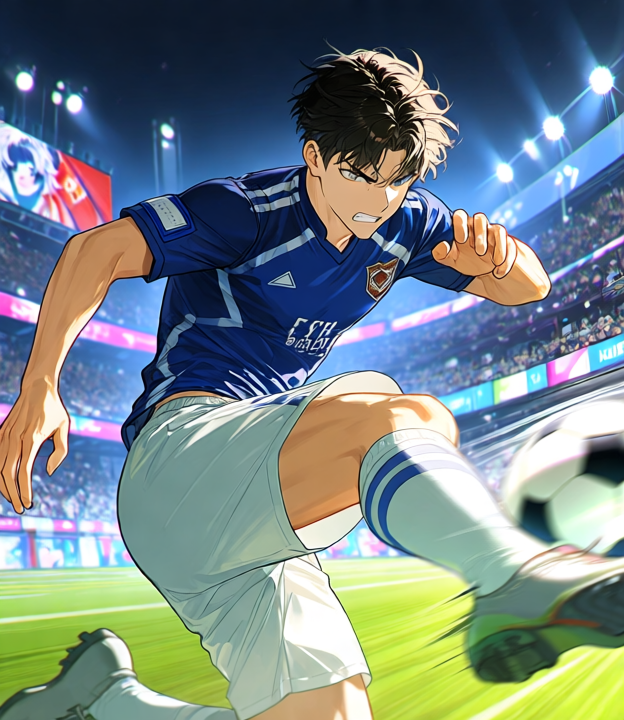
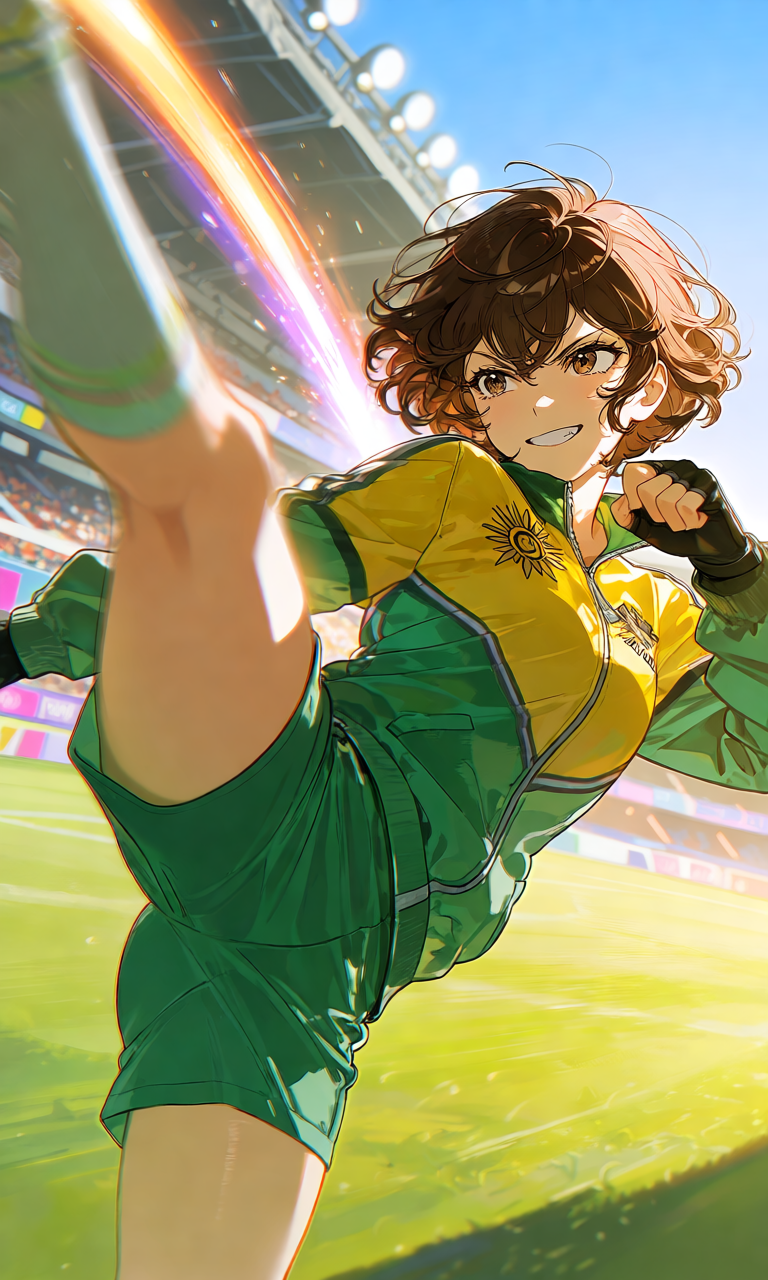
Prompt: masterpiece, best quality, ultra detailed, 1boy, original character, soccer striker, dynamic mid-kick pose, motion blur lines, determined expression, cel-shaded anime style, stadium background, dramatic lighting
Dramatic goal celebration
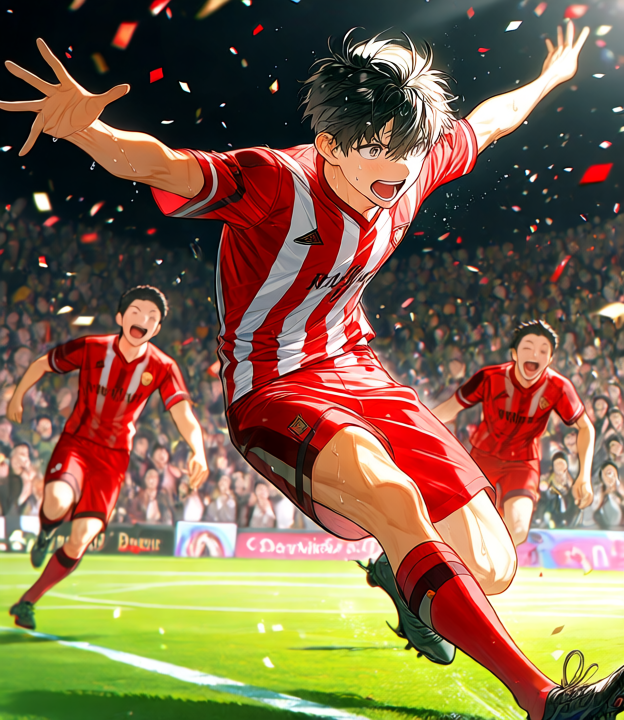
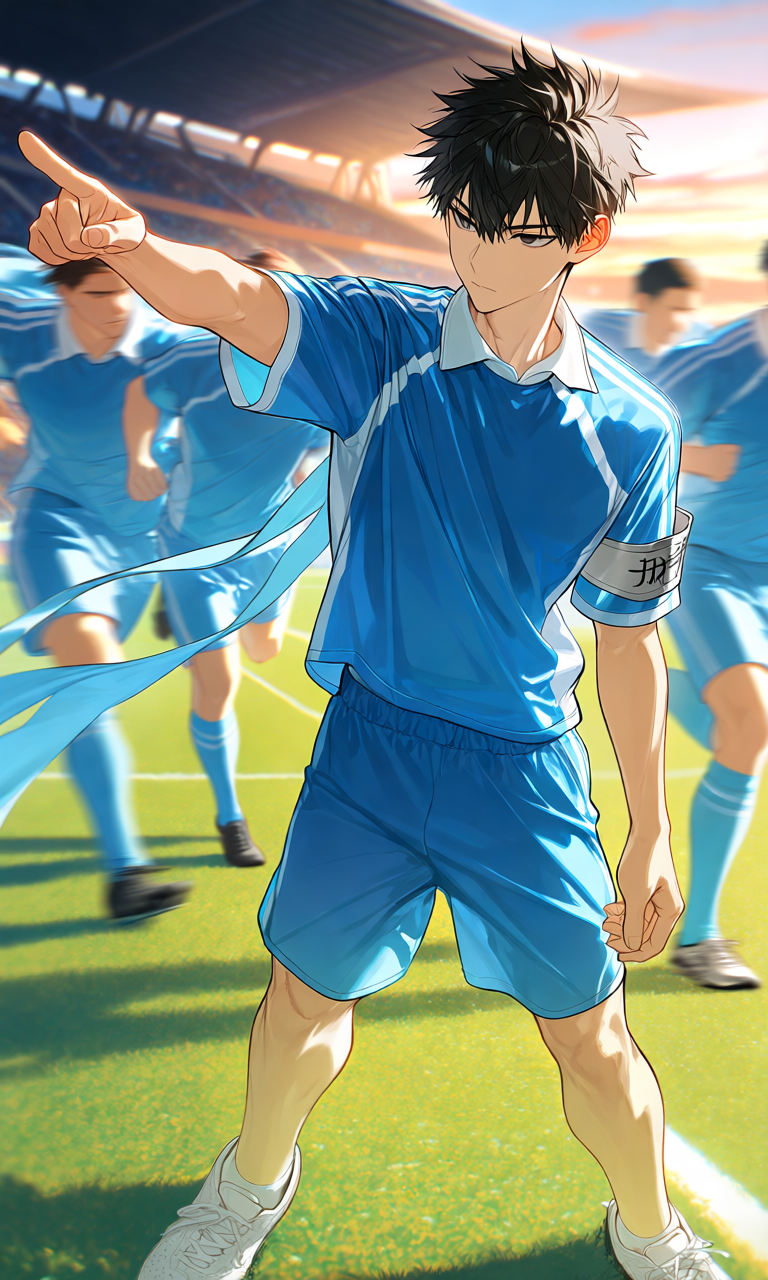
Prompt: masterpiece, best quality, ultra detailed, 1boy, original character, soccer jersey, arms outstretched goal celebration, teammates blurred in background, confetti particles, roaring crowd, vibrant anime sports illustration
Stadium lighting, solo shot
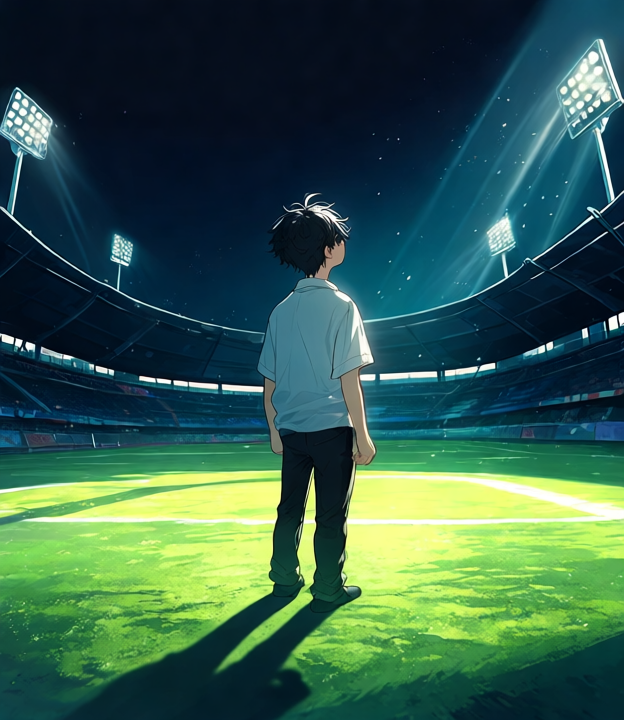
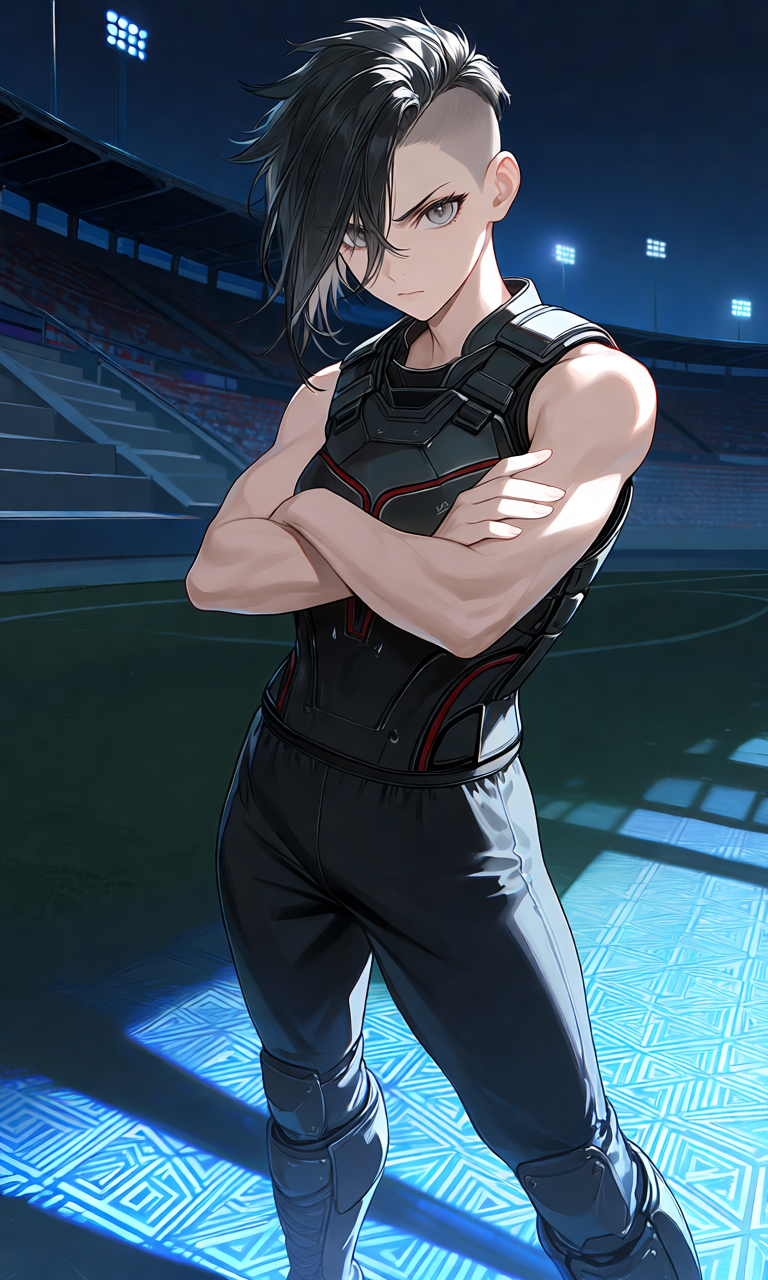
Prompt: masterpiece, best quality, ultra detailed, 1boy, original character, standing alone on pitch, tall stadium floodlights, long dramatic shadow, quiet contemplative mood, night atmosphere, anime illustration
Cel-shaded style, a goalkeeper design
Instead of trying to redraw an earlier design in a new style, I used this prompt to test the flatter, more traditional cel-shaded look on a role I hadn’t tried yet, a goalkeeper.
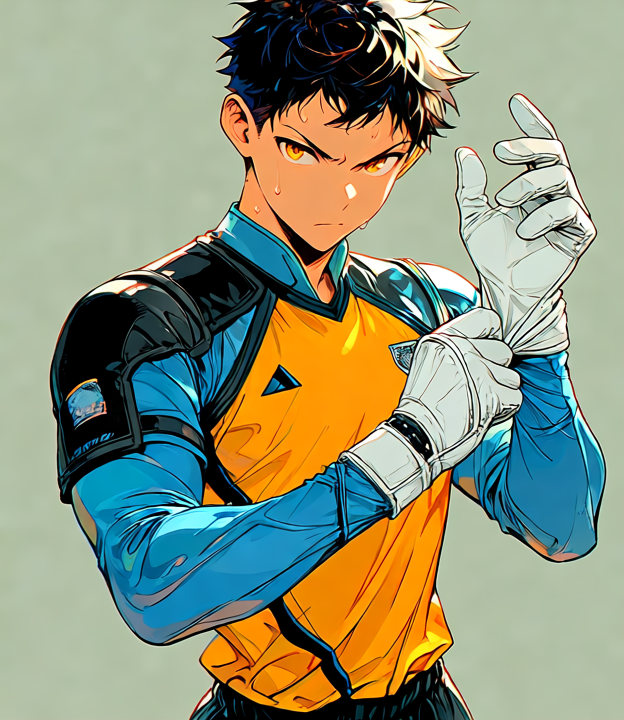
Prompt: masterpiece, best quality, flat cel-shaded anime style, bold outlines, original character, goalkeeper, soccer gloves, three-quarter portrait, clean vibrant colors, sports anime aesthetic
Intense close-up before a penalty kick
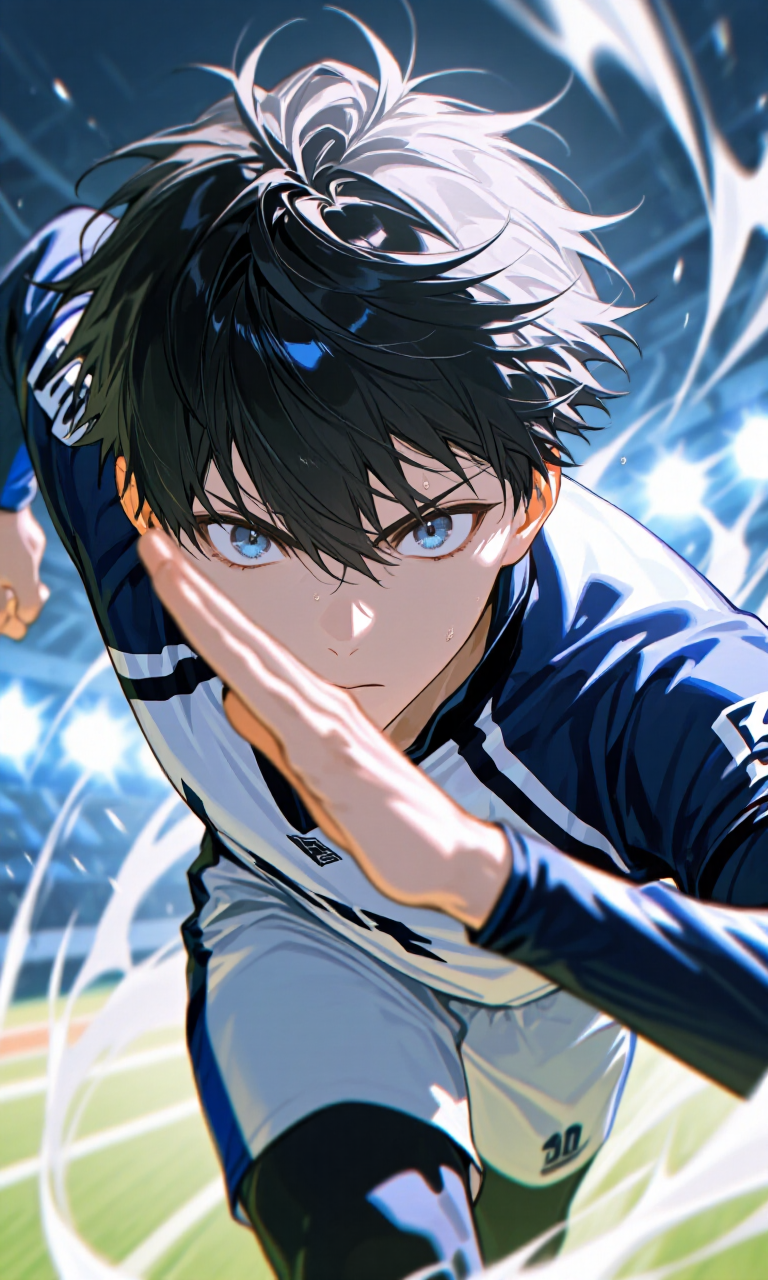
This is the one I want to show you in full, prompt and result together, since it’s the clearest example of the formula actually working.
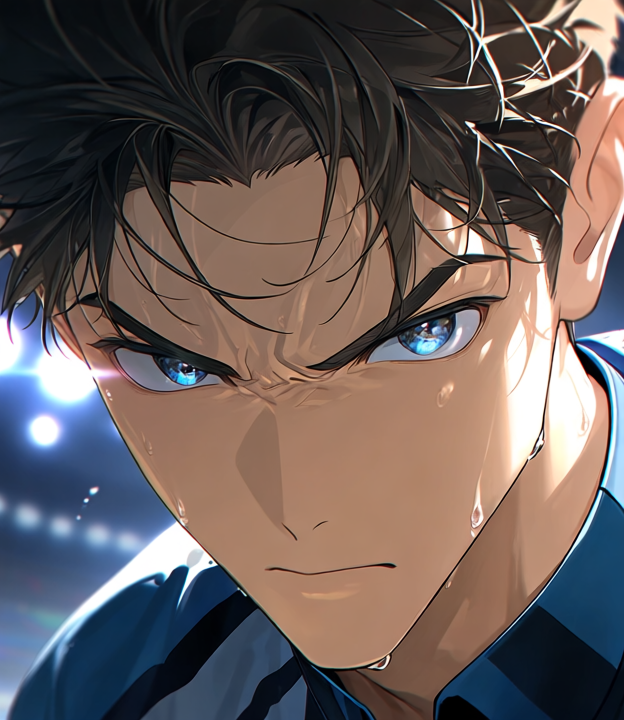
Prompt: masterpiece, best quality, ultra detailed, 1boy, original character, extreme close-up on face, intense focused eyes, sweat detail, stadium lights reflected in eyes, penalty kick tension, dramatic anime close-up shot
World Cup atmosphere, wide establishing shot
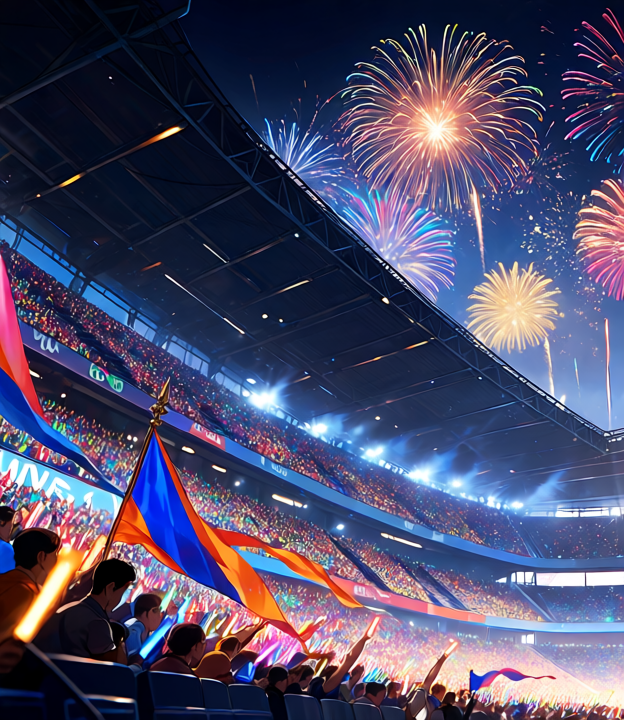
Prompt: masterpiece, best quality, ultra detailed, wide shot, packed stadium at night, crowd with flags and light sticks, fireworks in the sky, electric atmosphere, anime sports illustration, cinematic composition
If you want to try this yourself: don’t fight the tool trying to lock one character across separate generations, treat each prompt as its own standalone piece instead. Pick one clear moment you actually picture in your head, describe the pose and the mood before you describe the art style, and treat the first result as a draft rather than a final answer.
Final Thoughts
Watching soccer anime during the World Cup was never something I had to convince myself to do. It’s just what I do every four years. What surprised me this time was how naturally it turned into something more active than watching. I went from “I love this scene” to “I want to see my own version of this scene” to actually having a version of it, sitting on my desktop, that didn’t exist a few hours earlier.
If you’ve never drawn anything in your life, that’s genuinely fine, I hadn’t either. I used PixAI because it let me turn a scene I could picture into something I could actually look at, and that was enough to make the whole exercise feel worth it.
So: go watch something from this list if you haven’t already, and if a scene sticks with you the way those Blue Lock close-ups stuck with me, don’t be surprised if you end up trying to make your own version of it too.